
Microphone permission
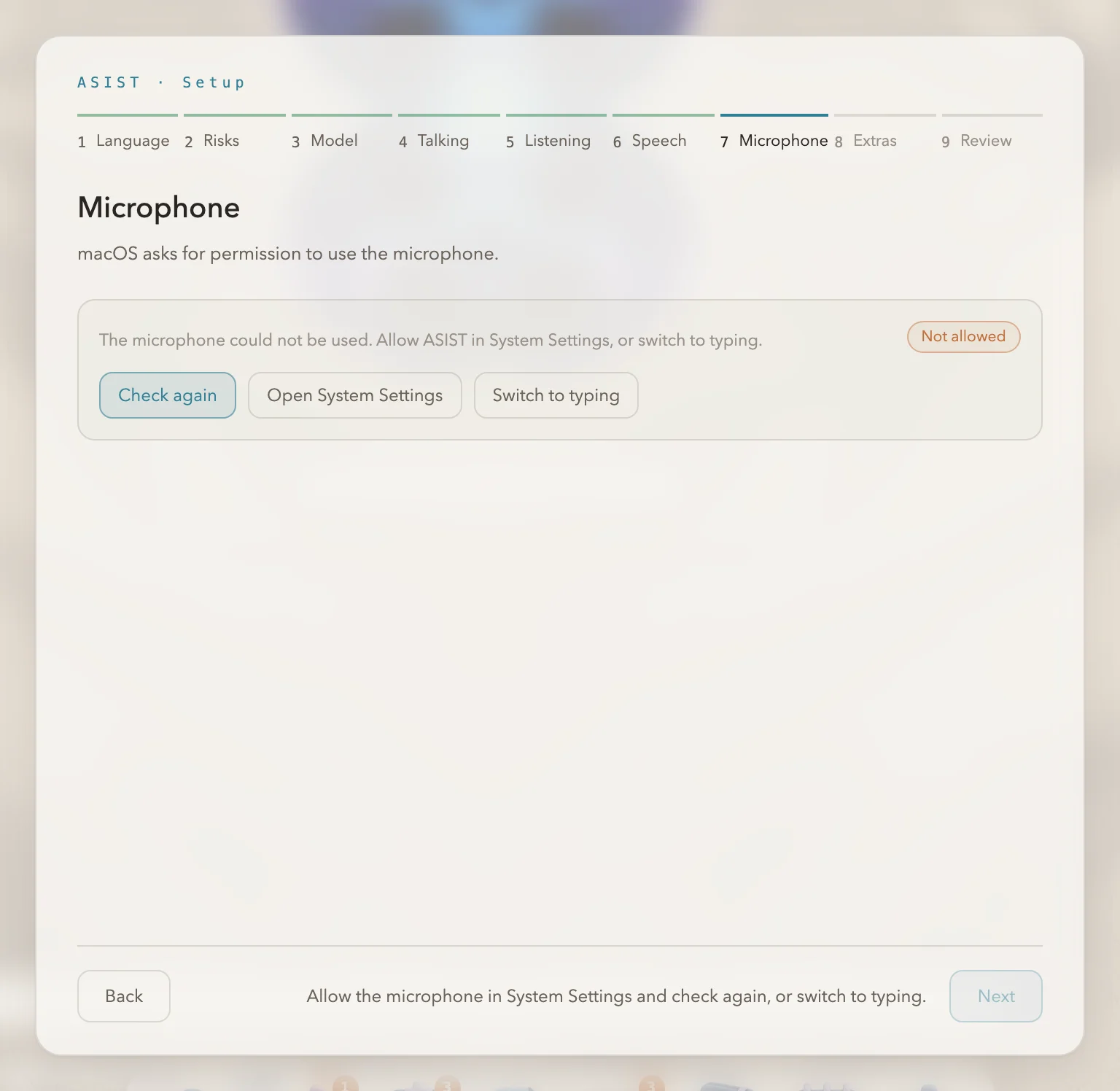
ASIST uses the microphone when you talk by voice. macOS asks for permission when you click “Check the microphone” during the first-time setup. Click “Allow”.
Allowing it later
Section titled “Allowing it later”If you did not allow it, or want to allow it later, do the following:
- Open System Settings > Privacy & Security > Microphone.
- Turn on ASIST in the list.
- Quit ASIST and open it again.
Resetting the permission
Section titled “Resetting the permission”If ASIST does not appear in the list, or the permission seems wrong, remove it in Terminal, then open ASIST again and allow it again.
tccutil reset Microphone com.nyosegawa.asistmacOS ties this permission to the app’s signature. If you reinstall ASIST from anywhere other than the official Releases, you have to give the permission again.
The calendar permission is covered in Connecting your calendar.