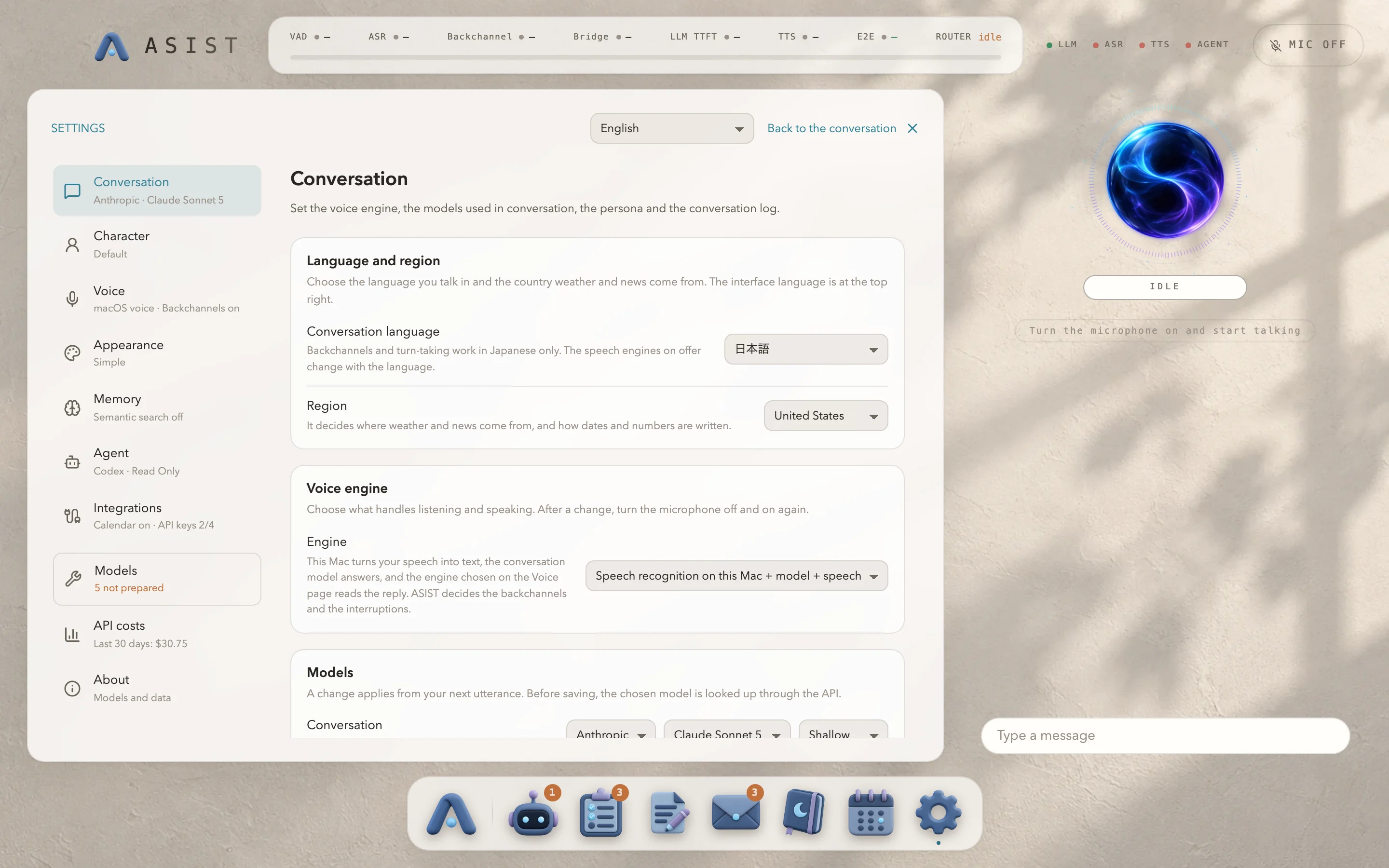
Language and region
Choose the interface language at the top right of the settings, and the conversation language and the region under “Conversation”. These are three separate settings.
| Setting | What it decides |
|---|---|
| Interface language | The text on the screen |
| Conversation language | The language ASIST speaks and listens for |
| Region | Where weather and news come from, the default currency, and how dates and numbers are written |
The text in the nine languages other than Japanese and English has not been checked by native speakers.
Talking in a language other than Japanese
Section titled “Talking in a language other than Japanese”- Backchannels, MaAI, VOICEVOX and AivisSpeech are not used. They don’t appear in the settings either.
- The memory is written in the conversation language. Memory written earlier in another language stays as it is and can still be searched.
- If the region is outside Japan, the weather comes from Open-Meteo. Fahrenheit and miles per hour are used only when the region is the United States.
If you change the conversation language to one the current speech engine can’t speak, reading aloud switches to the macOS voice.