Cards
What you need, right away.
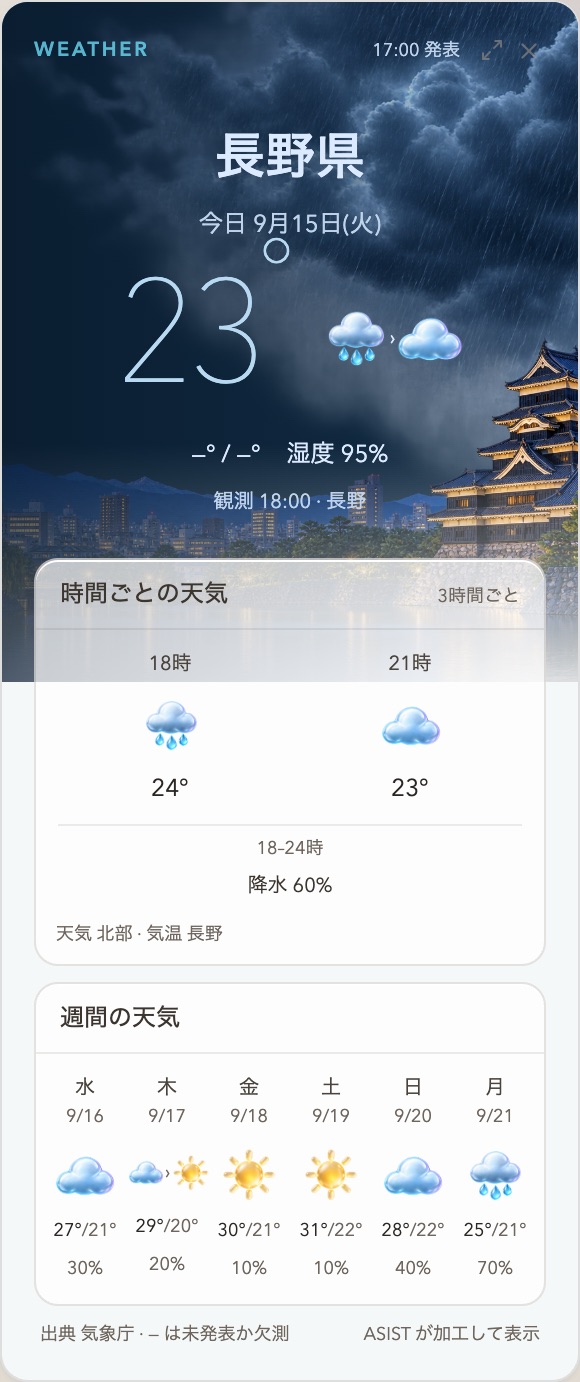
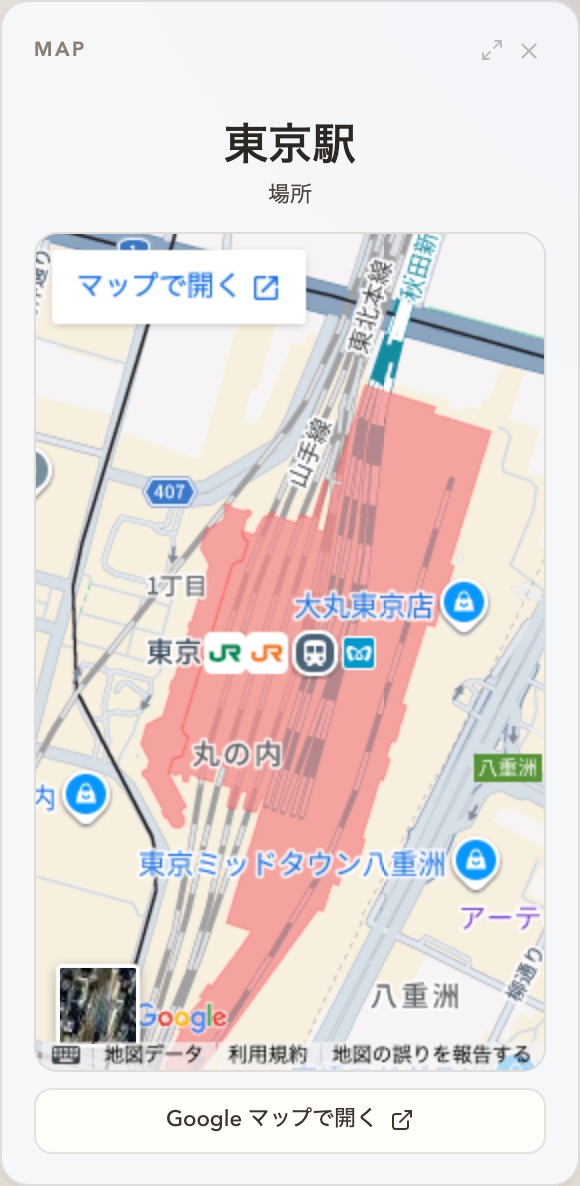
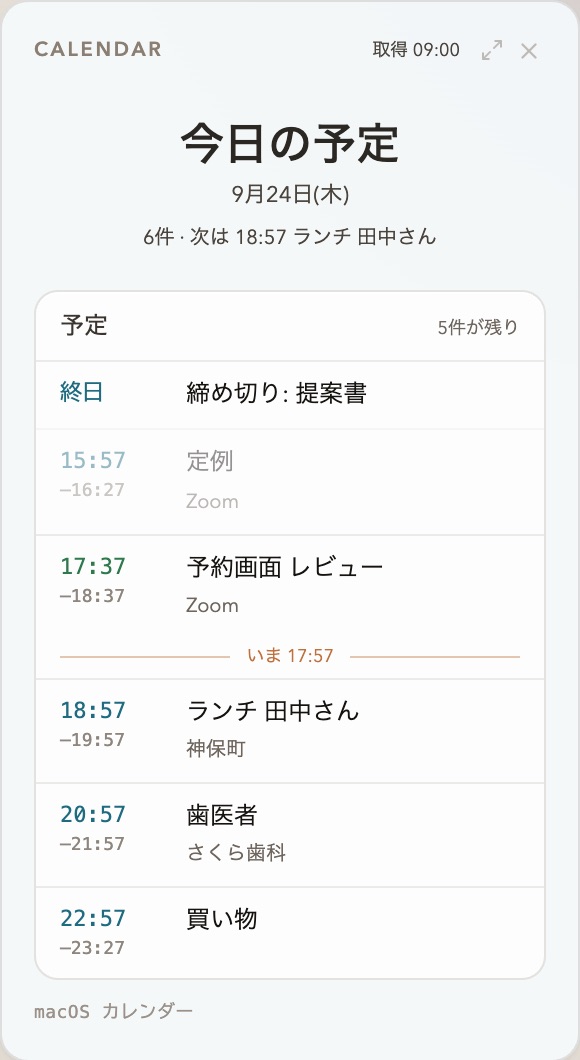
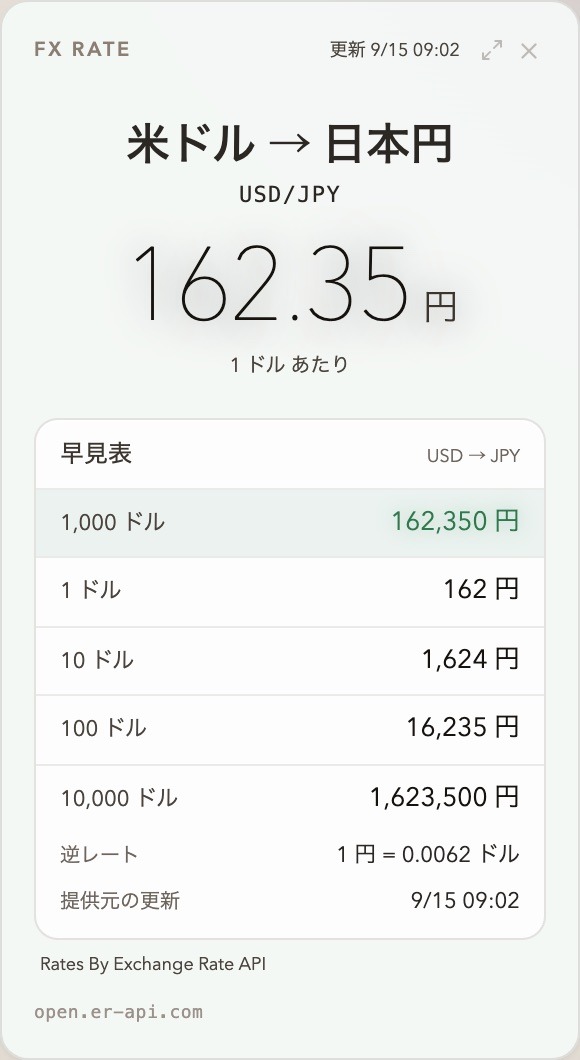
Weather, the calendar, mail drafts, to-dos, exchange rates, news, maps, timers and more appear as cards beside the conversation while ASIST answers aloud.
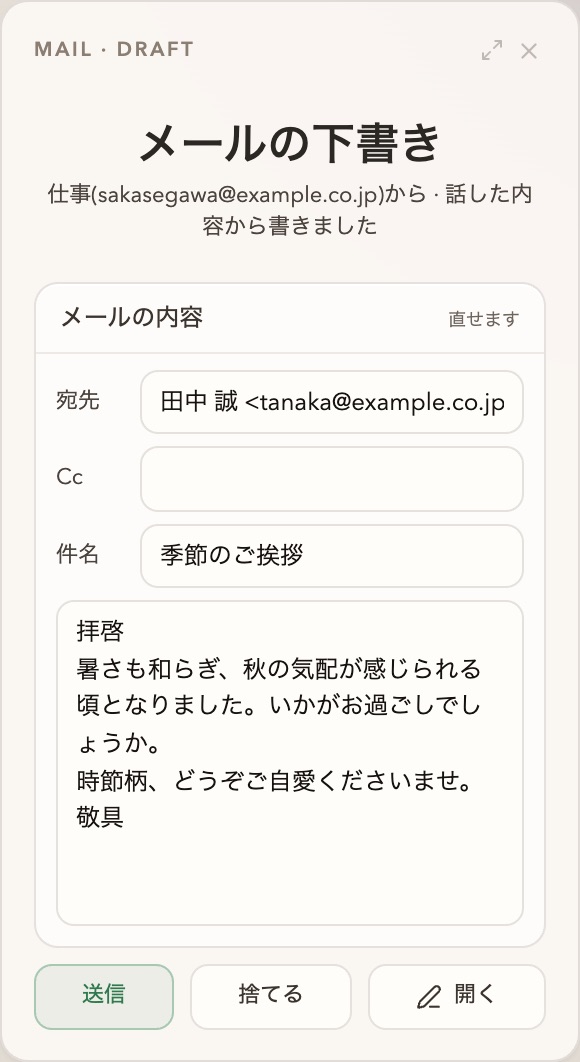
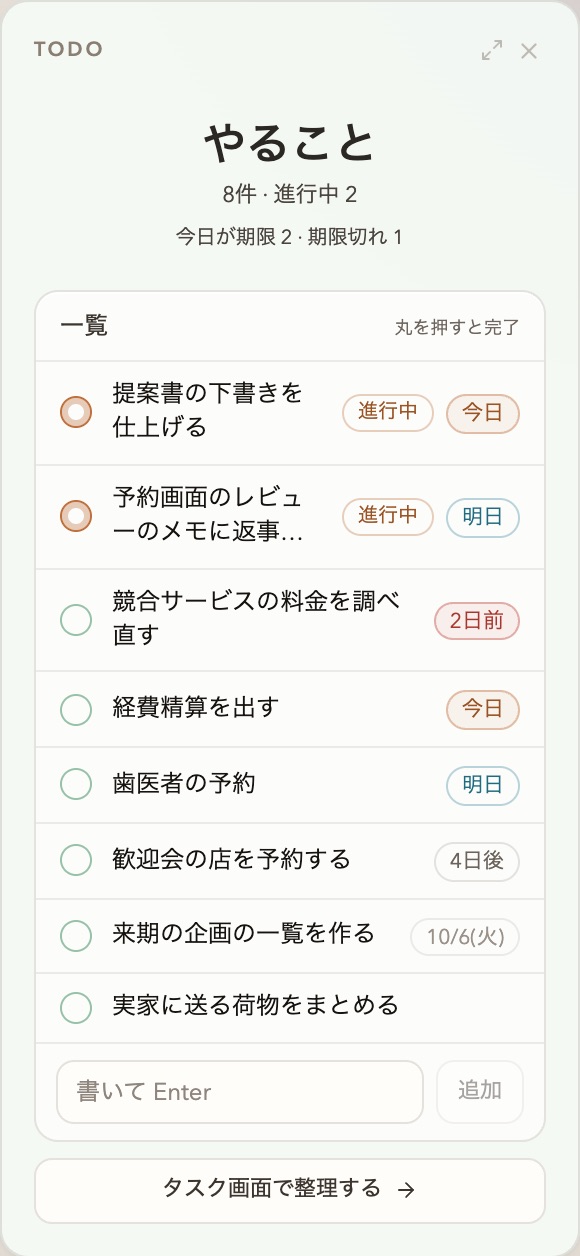
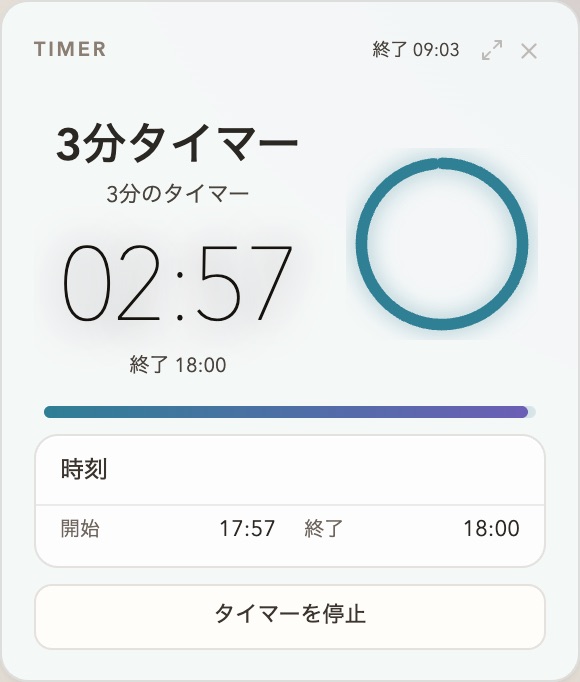
“What’s the weather tomorrow?”
ASIST is a realtime assistant for the Mac.
Just talk, and it helps with your work.

Hey ASIST,
what’s on today?
Here’s your
day
Talk in the middle, and the cards with the answers line up on either side. The Dock at the bottom opens the mini apps.
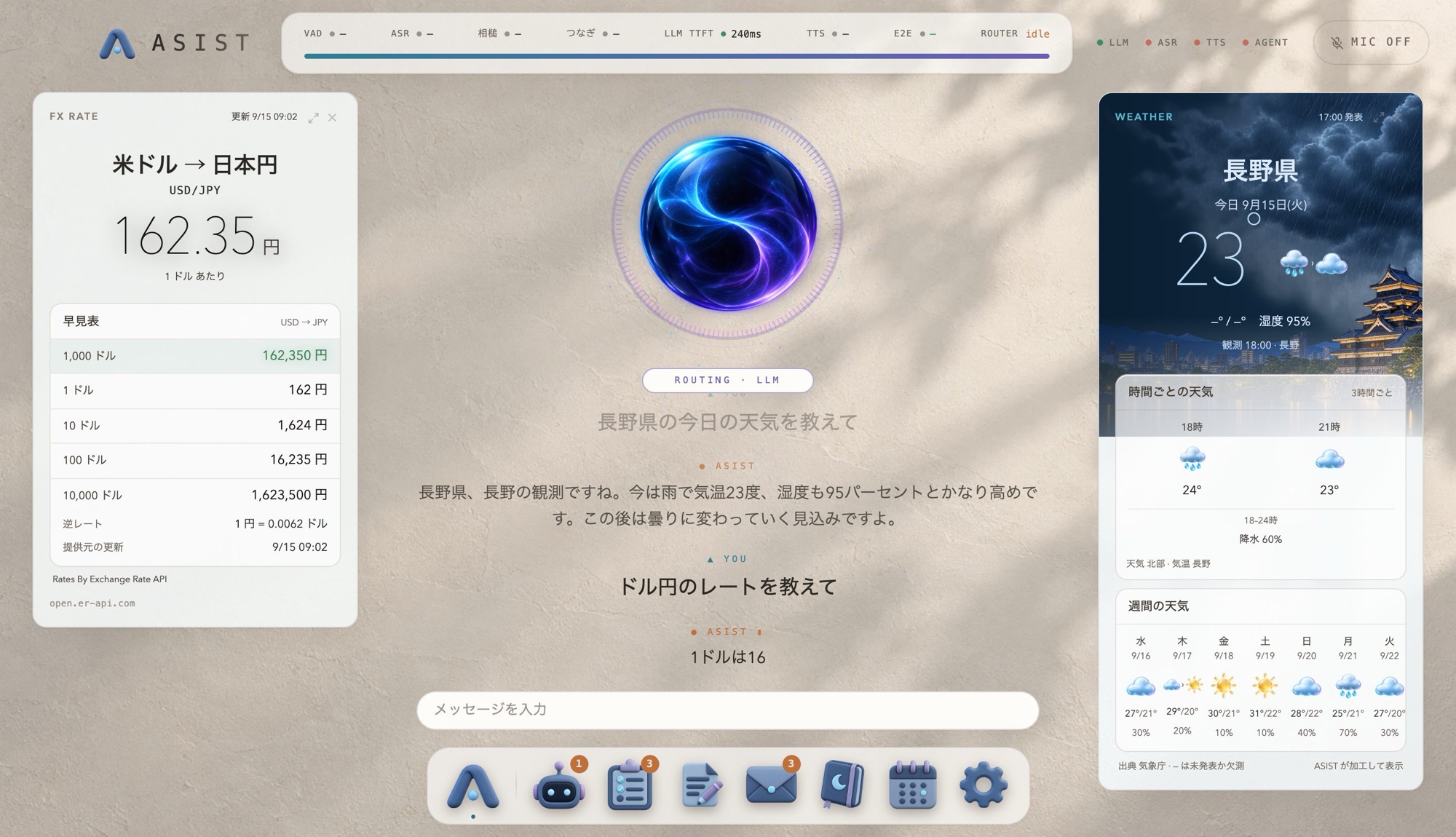
Weather, the calendar, mail drafts, to-dos, exchange rates, news, maps, timers and more appear as cards beside the conversation while ASIST answers aloud.
“What’s the weather tomorrow?”
Open Agent jobs, tasks, notes, mail, memory and the calendar straight from the mini apps, or from the conversation: “Open next week in the calendar.”
 Agent
Agent 1Tasks
 3Notes
 Mail
Mail 3Memory
 Calendar

Research and file edits that take time go to the codex or claude CLI, once you approve them.

Could you sum up
these papers?
Every night at midnight, it writes a diary from the day’s conversations: about you, and about its own day. The next day’s conversation starts from what it remembers.

Diary · Wednesday, September 23
The day we fixed the proposal draft togetherIn the early afternoon I was asked to read the proposal draft aloud. I noticed the third section said the same thing as the one before it, and said so.
It really does
remember…
Get an Apple Silicon Mac and an API key for one conversation model.
Download the dmg, open it and drag ASIST into Applications. New versions arrive on their own.
Choose the language, model, voice and microphone in the first-run setup, and start talking.