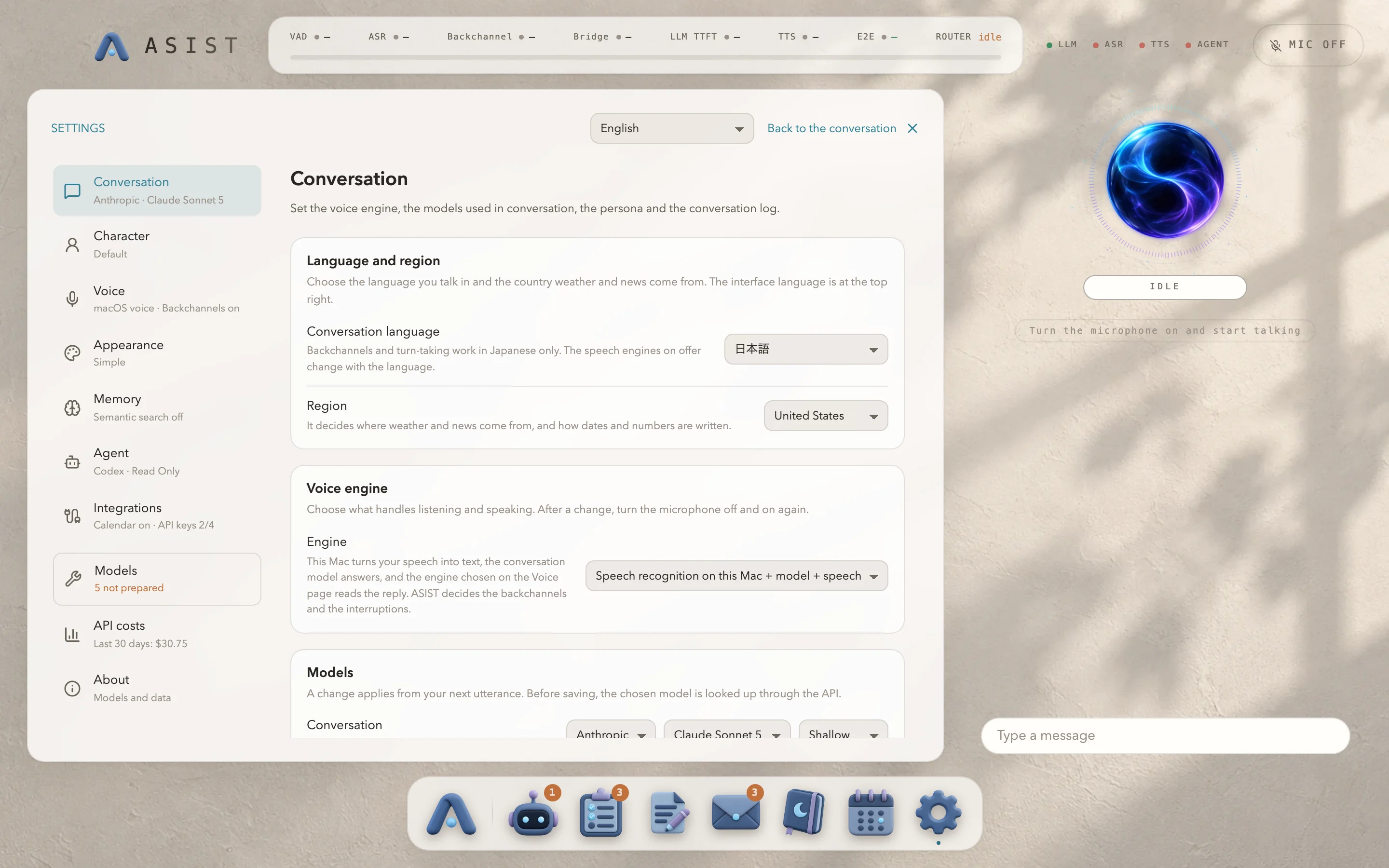
Voice engine
Under “Voice engine” in “Conversation”, choose what listens and speaks. The default combines speech recognition on this Mac, the conversation model, and reading aloud on this Mac.
When you choose GPT-Live or Gemini Live, the microphone audio goes straight to the provider, and ASIST speaks in the provider’s voice. The model handles backchannels, listening, and deciding when you have finished speaking or interrupted. Speech recognition and reading aloud on this Mac, the bridge phrase and MaAI are not used. After you change the engine, turn the microphone off and on again.
| Engine | Decisions and tools | Estimated cost | Key needed |
|---|---|---|---|
| GPT-Live | GPT-Live handles the timing of the exchange and leaves the content to the conversation model. GPT-Live reads the conversation model’s text aloud in its own voice. | $0.05 per minute that the session is open | OpenAI |
| Gemini Live | Gemini decides by itself and calls ASIST’s tools. ASIST runs the tools, so the confirmation screen for writes still appears. The conversation model is not used. | $0.005 per minute of audio input, $0.018 per minute of output |
A session opens when you start talking, and closes once the conversation has stopped for the time set in “Close the session after” (90 seconds by default). You aren’t charged while it is closed. When you speak again, ASIST holds the last 3 seconds of audio while it reopens the session, so the start of what you say isn’t lost. The HUD at the top shows the connection, the time to respond, the minutes in the session and the estimated cost. Turning the microphone off closes the session.
Choose a voice from the ones the provider offers, and use “Play sample” to hear a bundled sample. Playing a sample doesn’t use the API. The conversation log records transcripts of the input and the output as they were actually heard. Memory curation works from this log, so it works from the same material whichever engine you use.