Appearance
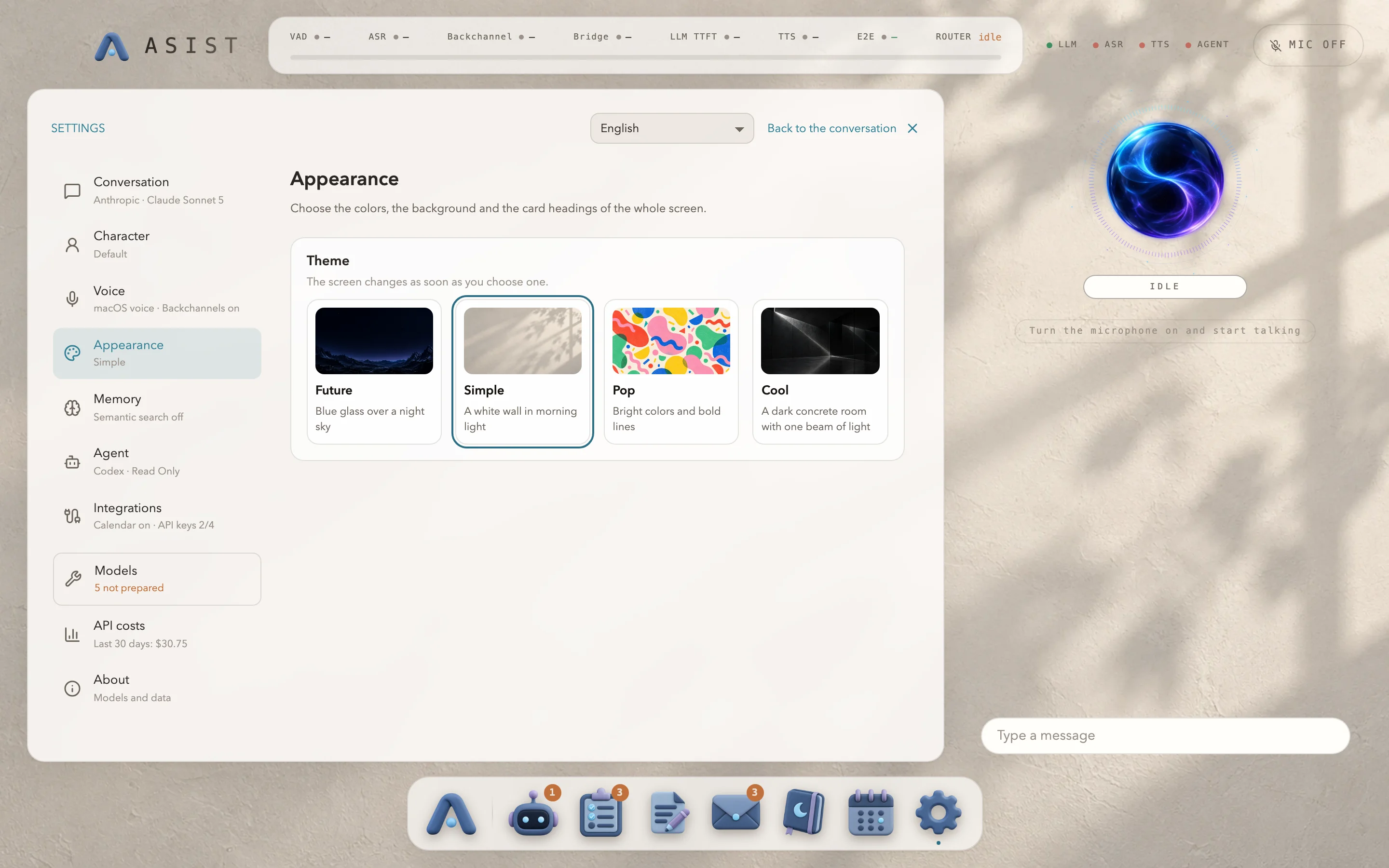
Under “Appearance”, choose one of four themes for the whole screen. The theme changes as soon as you choose it, along with the colors, the background and the card headings.
| Theme | Look |
|---|---|
| Future | A night sky and blue glass. This is the default. |
| Simple | Bright white walls |
| Pop | Bright colors and bold lines |
| Cool | A dark concrete room |
The pictures on the weather and clock cards stay night scenes in every theme.